A storefront that shows what you really have.
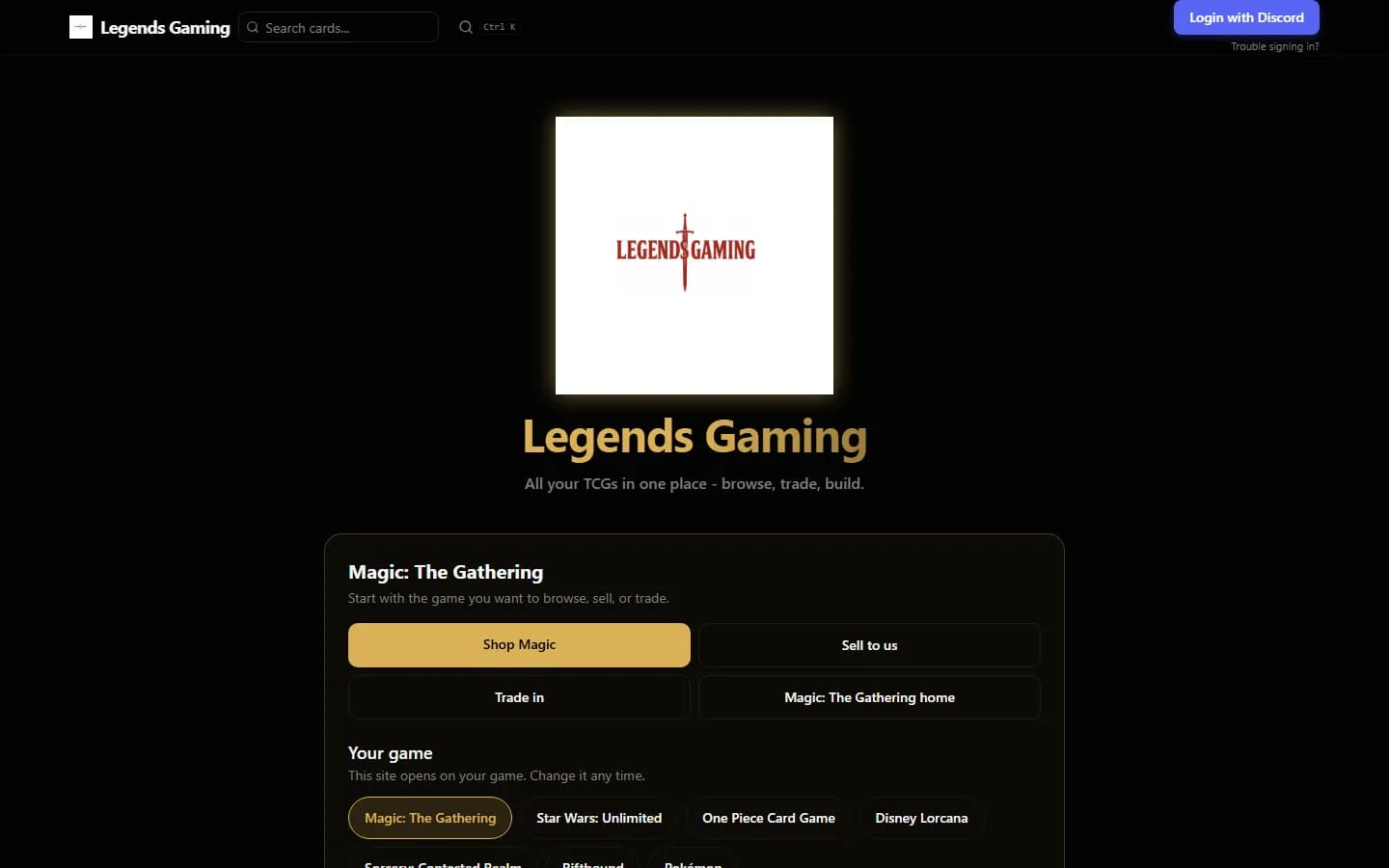
Every store gets its own site at yourstore.cardcore.gg, with your logo, your games and your prices. Your in-stock list shows only what you have, at your price.
Your store, your brand
Players land on your storefront, opening on your main game, with your logo and your games.
- Your storefront opens on your main game, and players can pick their own home game.
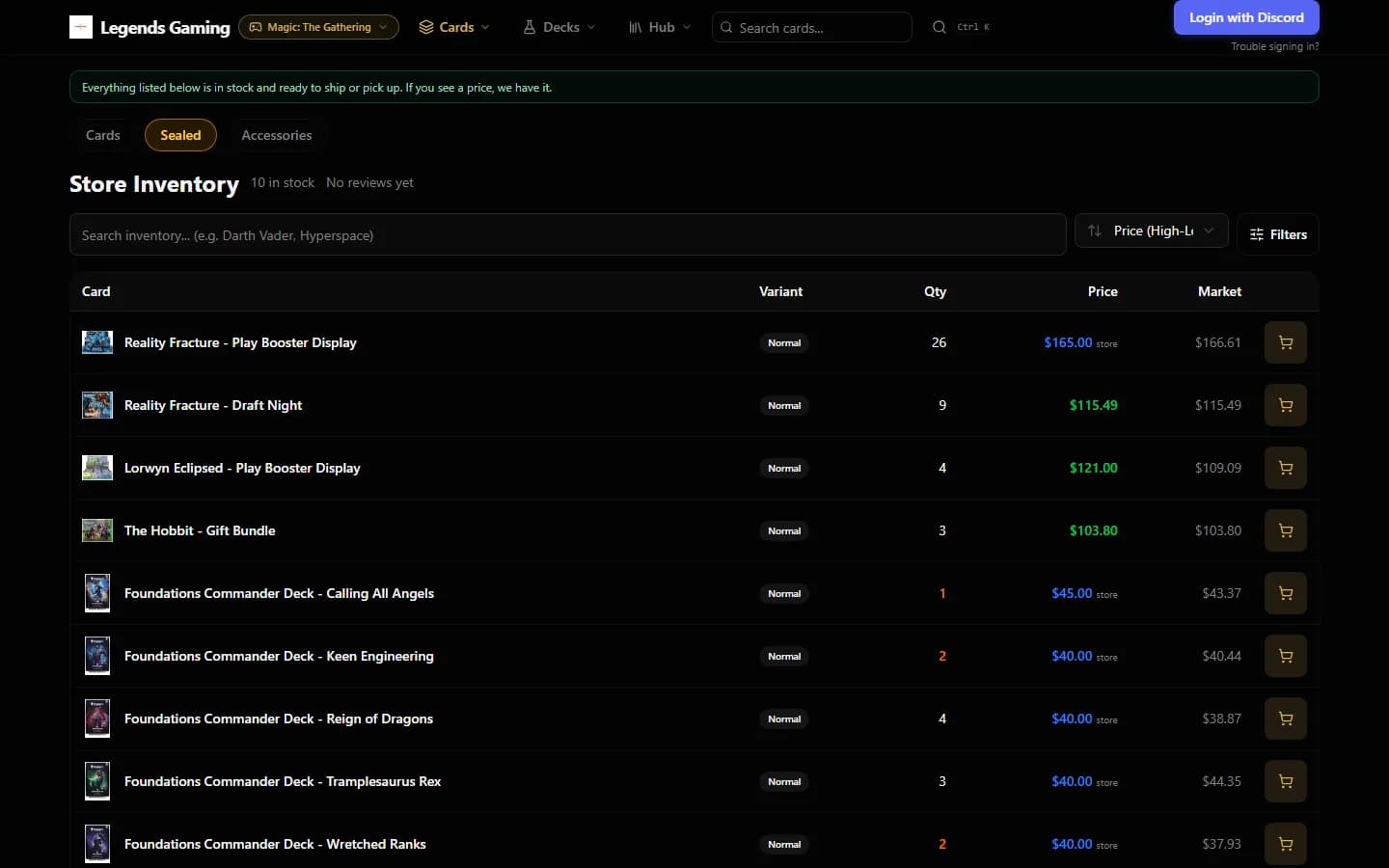
- An in-stock list for each game, sorted and filtered, with your price next to the market price.
- Sealed product next to singles: displays, bundles and decks.
Every card, every game
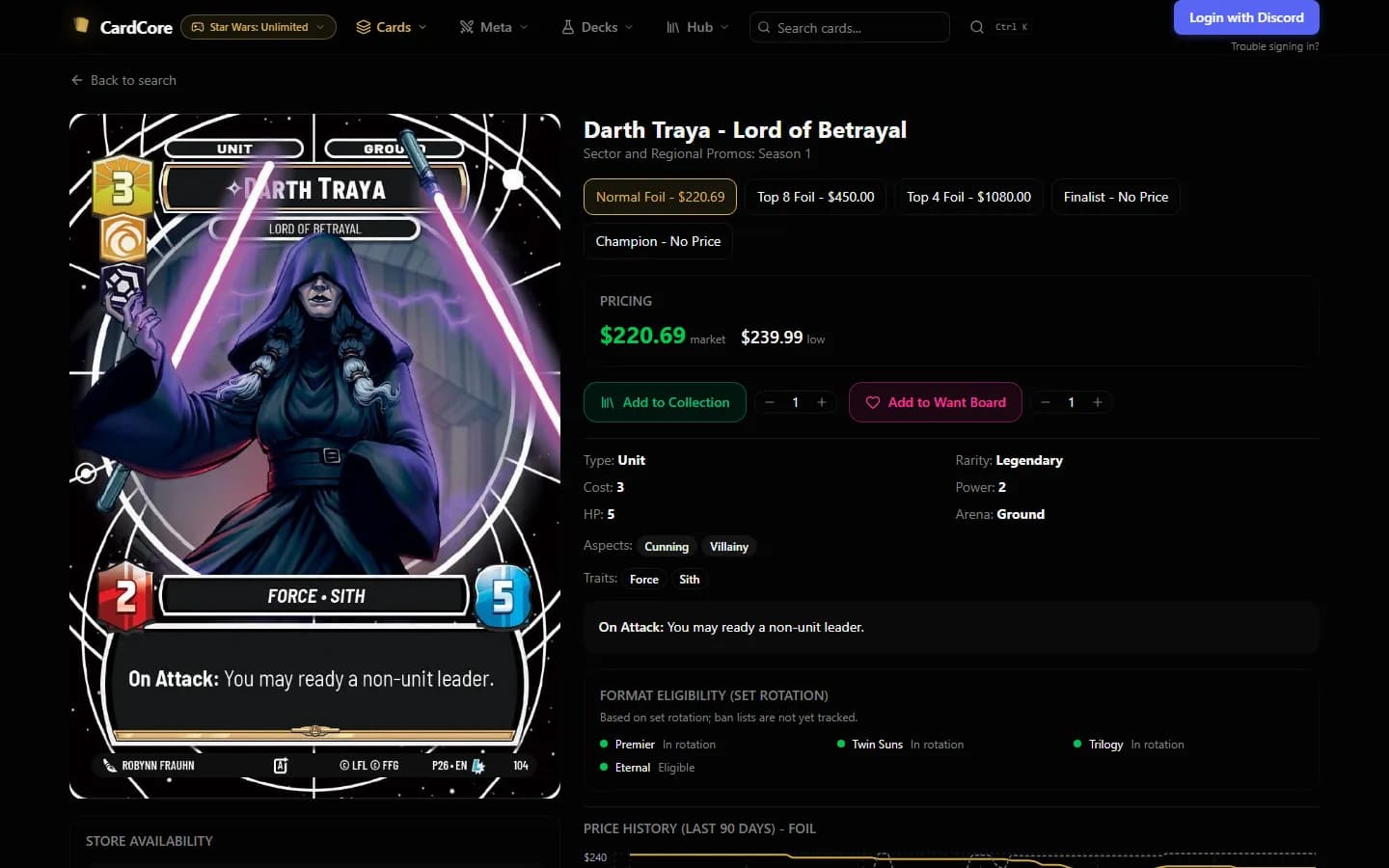
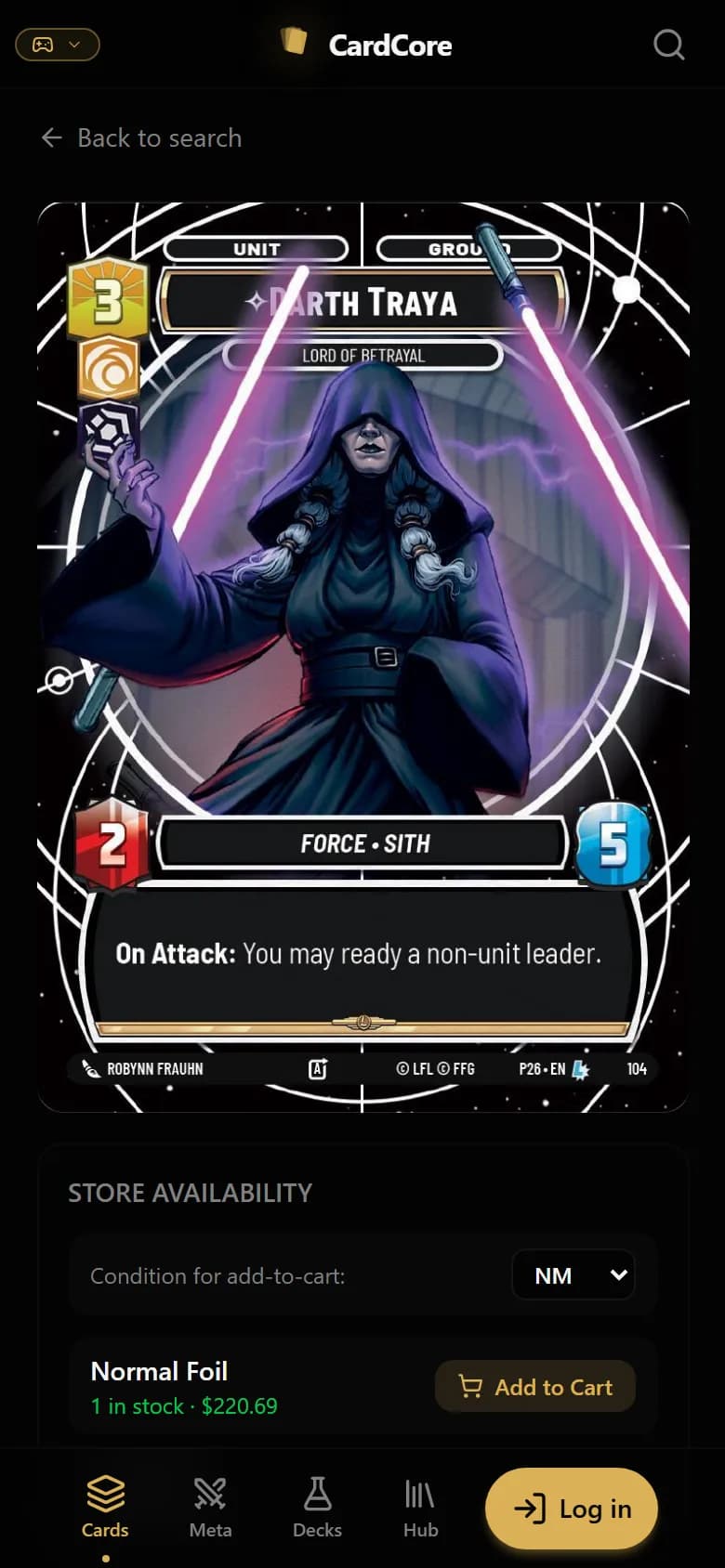
A full card database for seven games, so players can look up any card and see if you have it.
- A card database for seven games, with market prices by printing and finish.
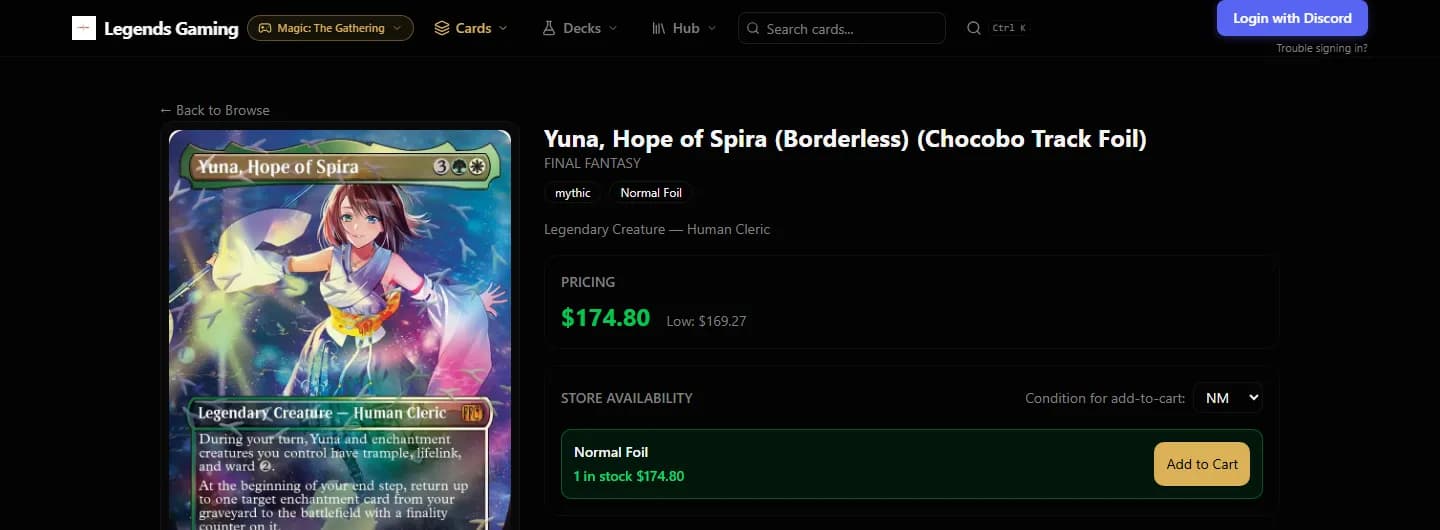
- Card pages with price history and live store availability.
- Players sign in with Discord, and once your server is connected they join it in the same step.
Orders, pickup and store credit
Players reserve online and pick up at your counter, where the order is waiting for your staff.
- Checkout for in-store pickup or shipping, paid with store credit or directly to your store.
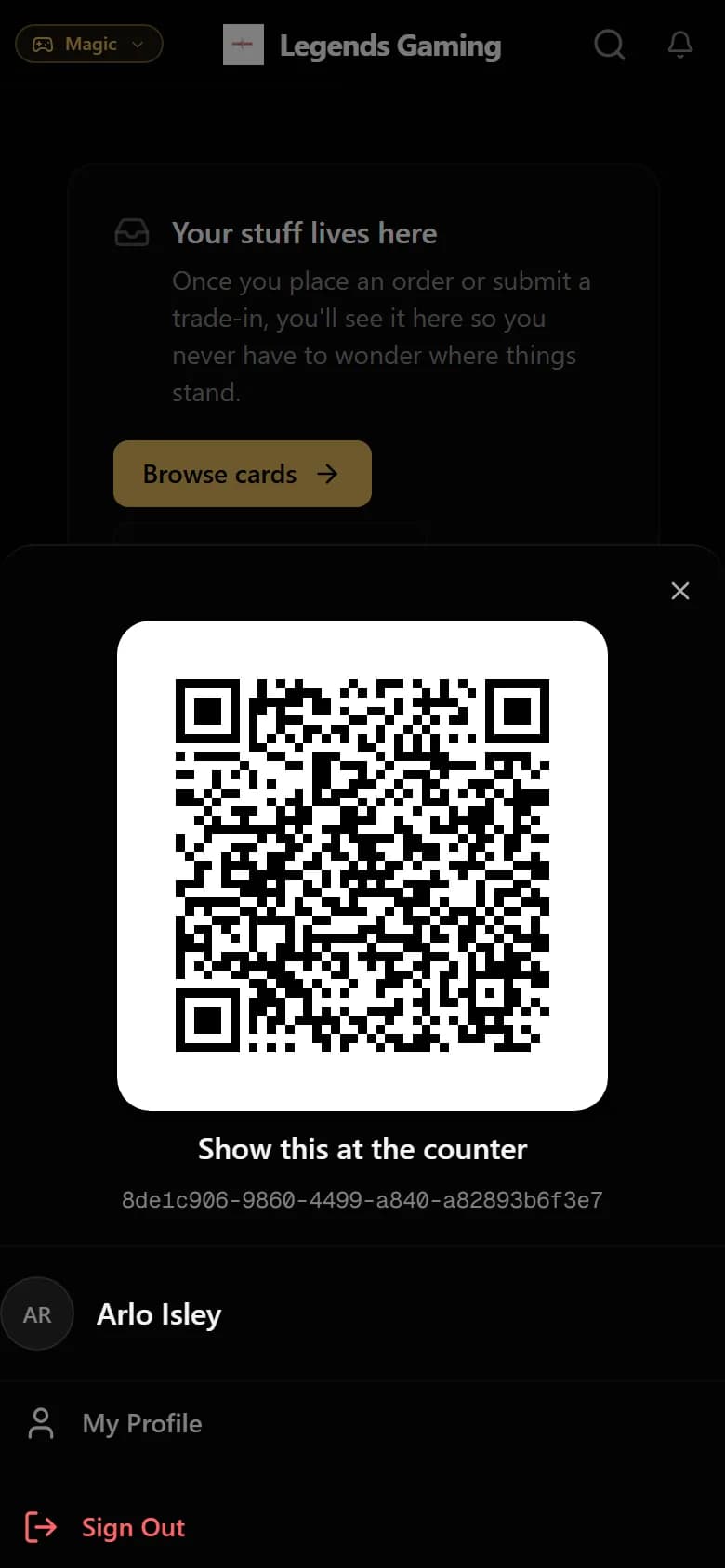
- Every player gets a QR code for fast lookup at your counter, and can check their store credit balance online.
- Order history, so players can see where their order stands.
Online orders are paid with store credit or directly to your store, for example in person at pickup. Card payments are taken on your Square terminal at the counter.
See it on a real store.
We will walk you through the counter, the storefront and trade-ins on a live store, and answer your questions.