A counter built for a busy Saturday.
Scan-first, made for an iPad or a laptop at the register.
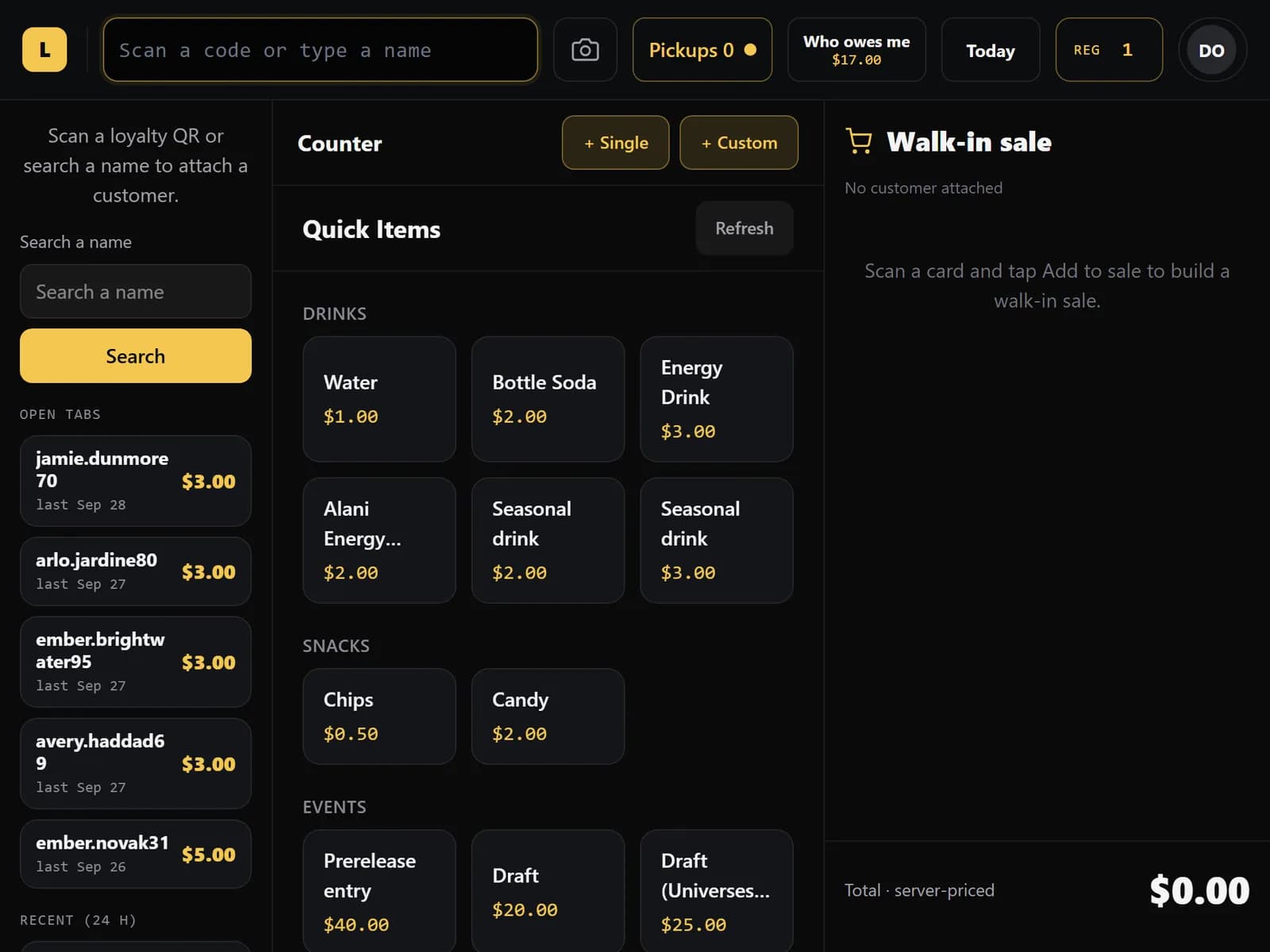
Scan, sell, done
Ring up sealed, singles, drinks and event entries from one screen.
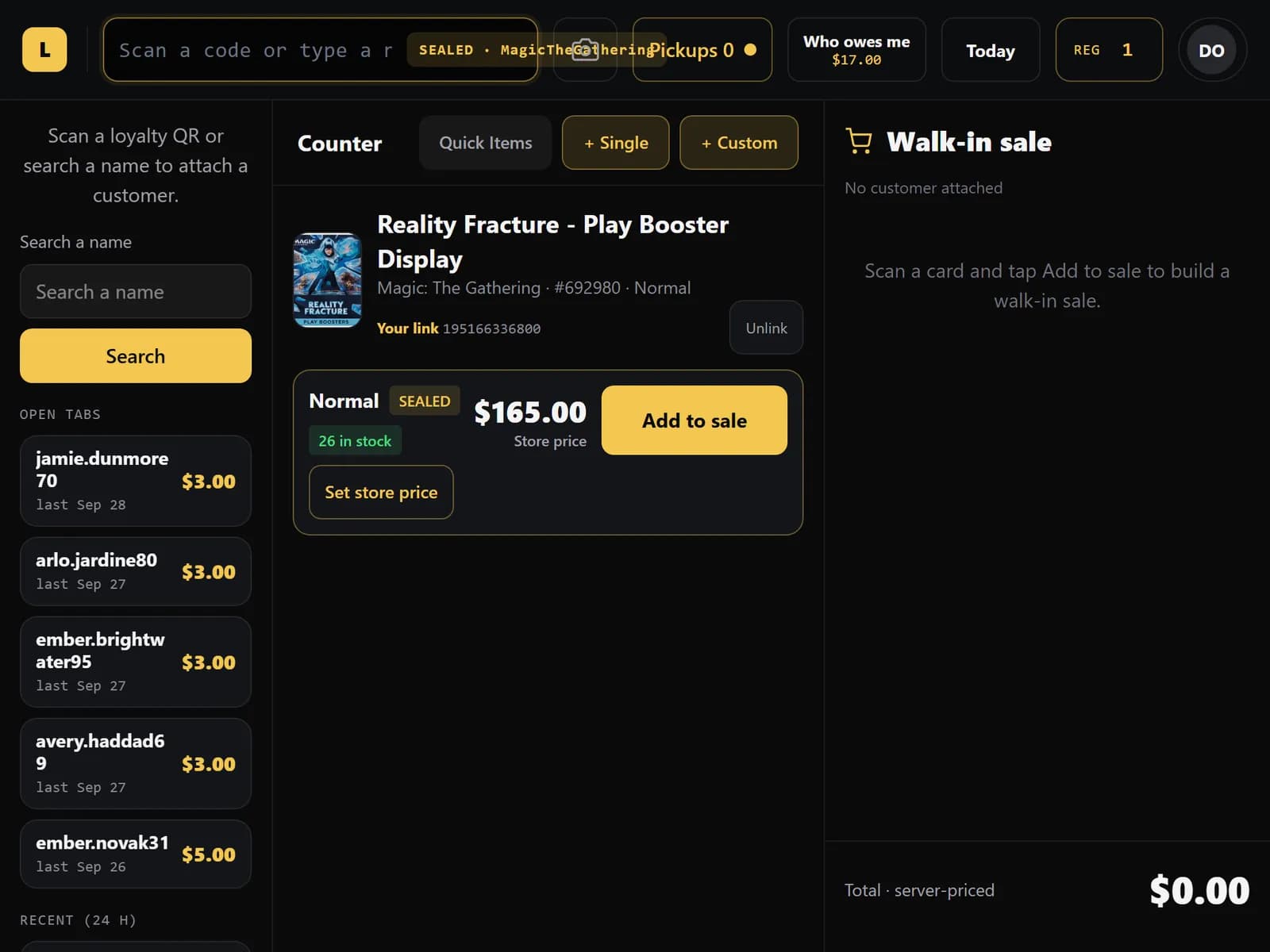
- Scan a box with a barcode scanner or the camera. See the store price and stock before you ring it up.
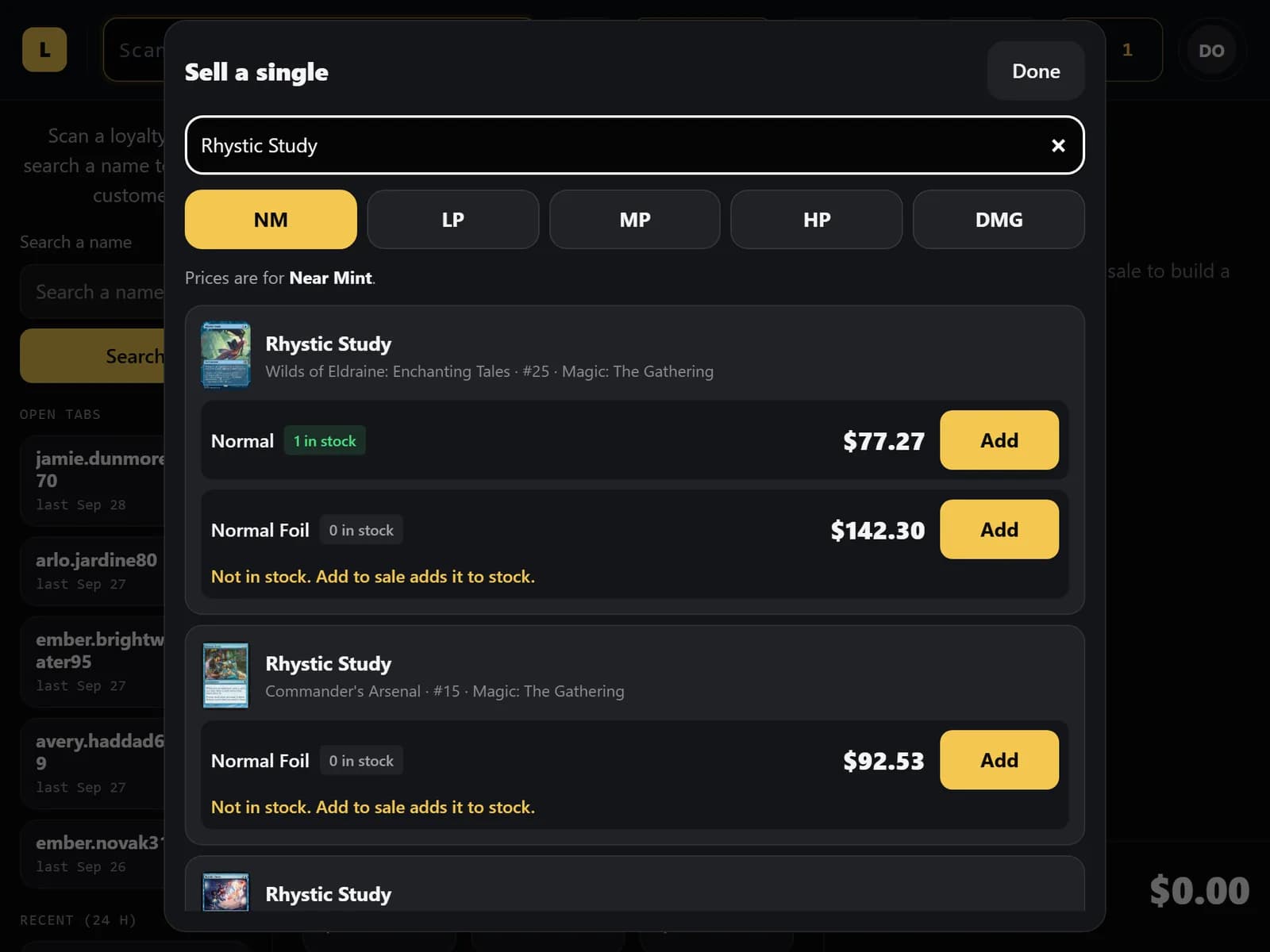
- Sell a single by name and condition. If the card shows 0 in stock, the sale adds it to stock so your counts stay right.
- Quick Items for drinks, snacks and event entries, with day-of-week schedules.
- Change a price for one sale with a reason, and it is recorded.
Know the customer at the counter
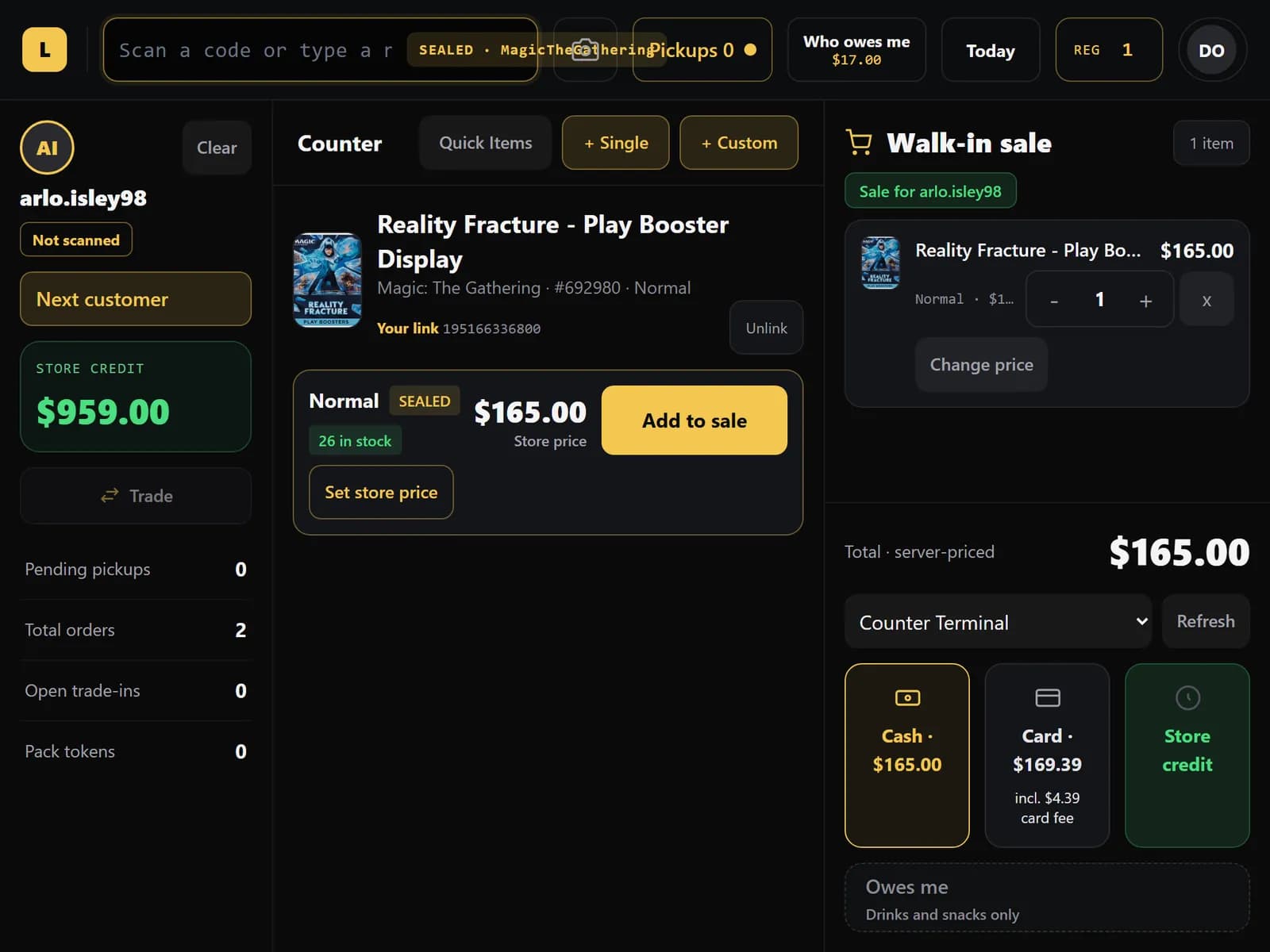
Attach a customer and their store credit, orders and tabs come with them.
- Scan a customer's QR or search their name to attach them. Their store credit is ready to use.
- Take cash with change, card on your own Square terminal, or store credit. Optionally pass the card fee to the customer.
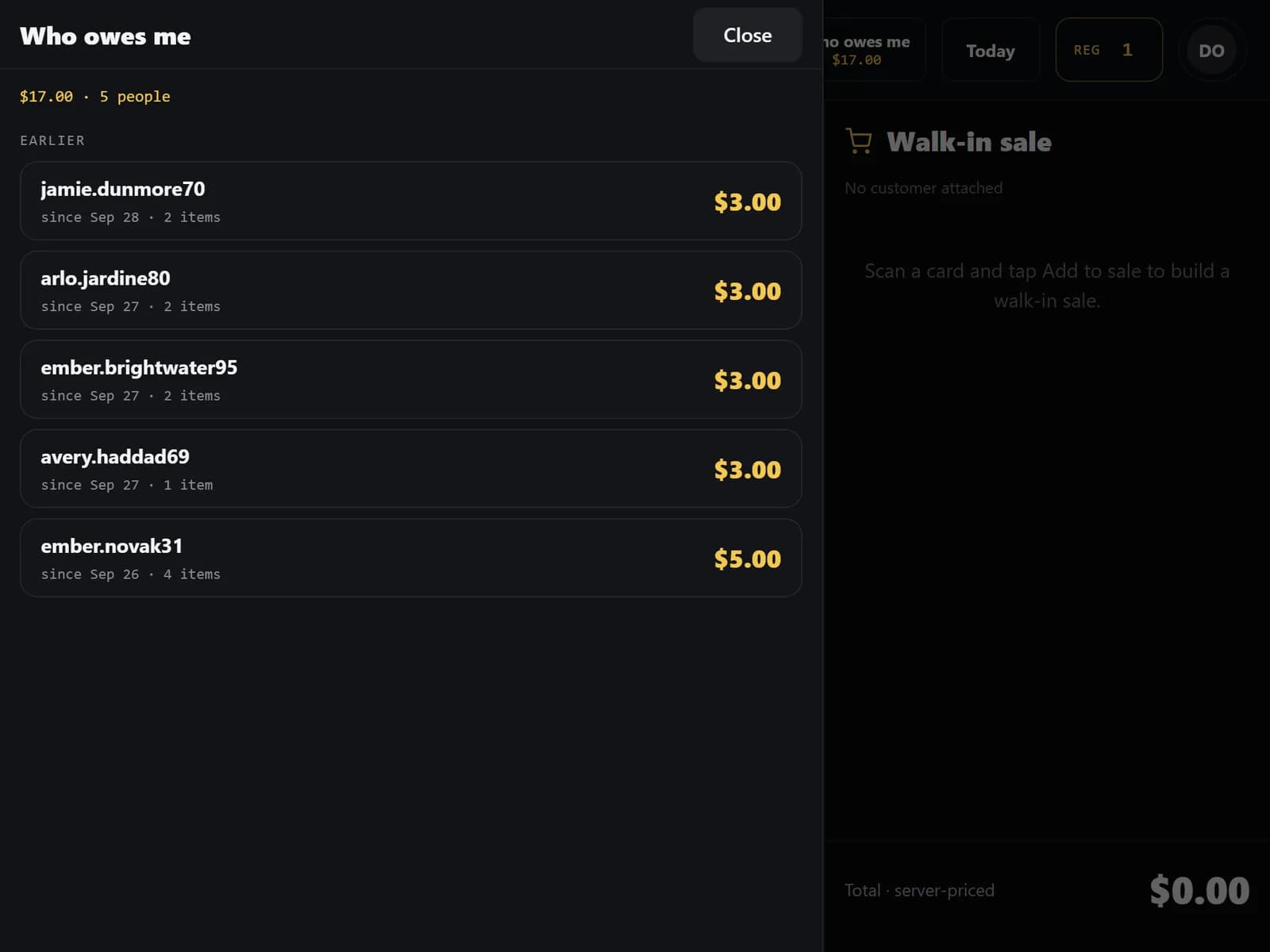
- Tabs for drinks, snacks and other Quick Items you allow: who owes what, with a limit you set.
- Online orders ready for pickup show up at the counter, so you take payment and hand them over in one place.
Settle up and close out
One payment for everything a regular owes, and a clear picture at the end of the day.
- Settle all: one payment covers this sale, ready orders and the tab, and store credit can cover part or all of it.
- Today shows sales by payment type and the cash expected in the drawer.
- The close list shows open tabs, unfinished sales, expiring pickups and waiting trade-ins.
Card payments in Settle all are not supported; use the terminal on the sale itself.
See the counter in a demo.
We will walk you through the counter, the storefront and trade-ins on a live store, and answer your questions.